Diagram Designer
Explain Anything With a Diagram
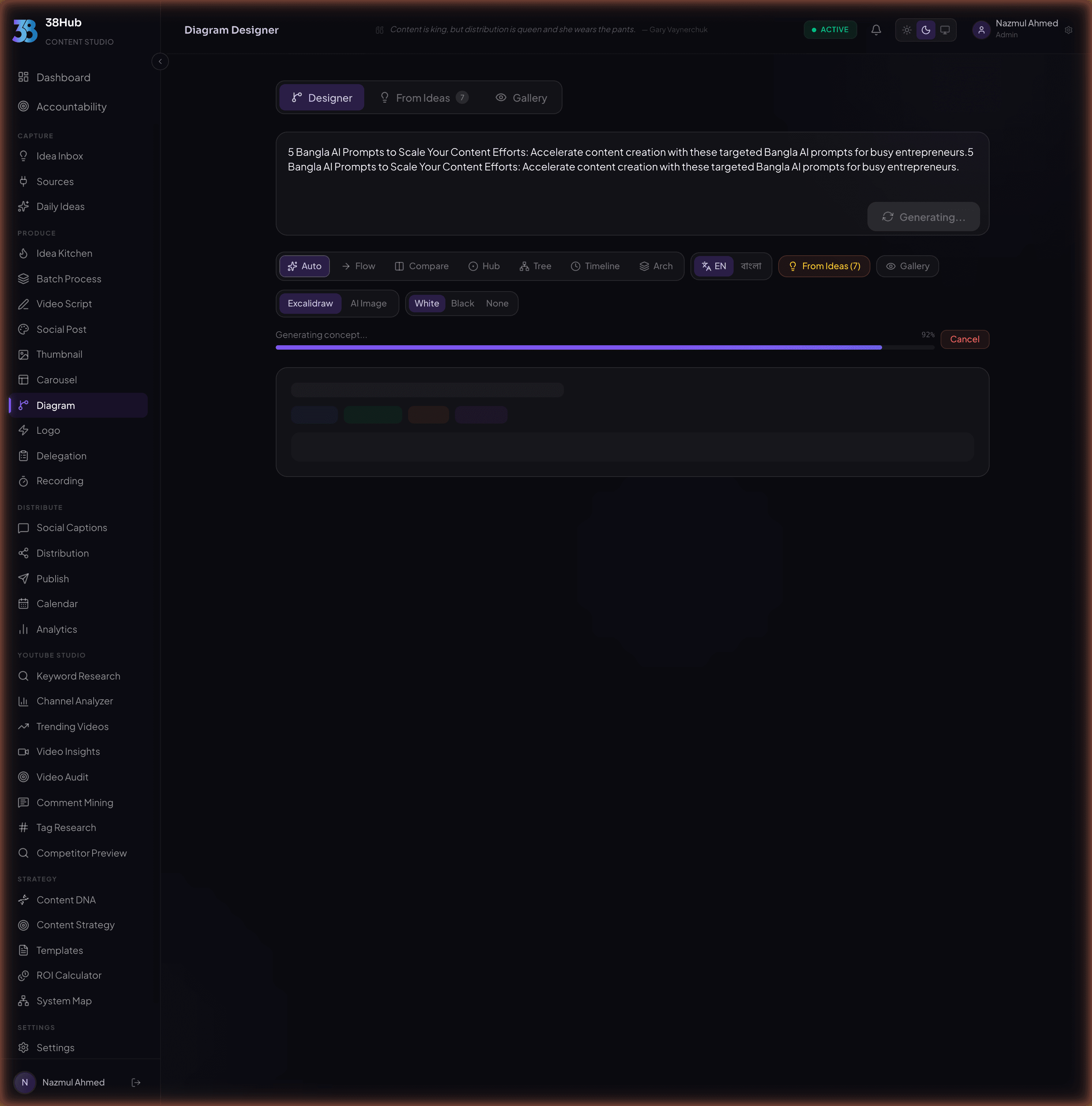
Describe a concept in plain language. Get beautiful, hand-drawn-style diagrams powered by Rough.js. Flowcharts, mind maps, process diagrams, and more.
app.38hub.com
Every Diagram You Need
Six versatile diagram types to visualize any concept, process, or system.
Flowcharts
Map out process steps, decisions, and outcomes in clear visual flows.
Mind Maps
Brainstorm and organize ideas radiating from a central concept.
Process Diagrams
Visualize multi-step workflows with parallel paths and handoffs.
System Architecture
Illustrate tech systems, APIs, databases, and their connections.
Decision Trees
Chart logic paths with branching conditions and final outcomes.
Concept Maps
Show relationships between ideas with labeled connections.
The Rough.js Aesthetic
Professional enough for presentations, approachable enough for social media.
Every diagram is rendered with Rough.js, giving your visuals that distinctive hand-drawn quality. Lines wobble naturally, fills use cross-hatching, and shapes feel sketched rather than clinical. The result? Diagrams that look human and hold attention.
- Hand-drawn line quality that feels authentic
- Professional enough for presentations and decks
- Approachable for social media and blog posts
- Multiple color palettes to match your brand
Standard Diagram
Rough.js Style
Multiple Color Palettes
Choose a palette that matches your content, brand, or mood.
Ocean
Sunset
Forest
Monochrome
Pastel
Neon
From Words to Diagrams in Three Steps
Describe Your Concept
Type a plain-language description of what you want to visualize. Explain the process, system, or idea and the AI figures out the best diagram type.
AI Generates the Diagram
The AI interprets your description, selects the right diagram type, and renders it with the Rough.js hand-drawn aesthetic. Review and regenerate until it is perfect.
Export as PNG, SVG, or Excalidraw
Download your diagram in high-resolution PNG, scalable SVG, or editable Excalidraw format. Use it in presentations, docs, blog posts, or social media.
Describe Your Concept
Type a plain-language description of what you want to visualize. Explain the process, system, or idea and the AI figures out the best diagram type.
AI Generates the Diagram
The AI interprets your description, selects the right diagram type, and renders it with the Rough.js hand-drawn aesthetic. Review and regenerate until it is perfect.
Export as PNG, SVG, or Excalidraw
Download your diagram in high-resolution PNG, scalable SVG, or editable Excalidraw format. Use it in presentations, docs, blog posts, or social media.
Export Anywhere, Edit Anywhere
Three export formats to fit every workflow.
PNG Export
High-resolution raster images perfect for presentations, slide decks, and documents. Crisp at any display size.
SVG Export
Infinitely scalable vector graphics for web pages, blog posts, and print. Stays sharp at any resolution.
Excalidraw Export
Open your diagram in Excalidraw to customize every node, connection, and label. Full editing freedom.
Frequently Asked Questions
Everything you need to know about the Diagram Designer.
The Diagram Designer uses AI to interpret your plain-language description and determine the optimal diagram structure. The visual rendering is handled by Rough.js, which gives every diagram its distinctive hand-drawn aesthetic. The combination of AI concept generation and Rough.js rendering produces diagrams that are both accurate and visually engaging.
Yes. You can regenerate the diagram with a revised description, or export it in Excalidraw format for full manual editing. In Excalidraw, you can move nodes, edit labels, change colors, add or remove connections, and customize every element of the diagram.
The Diagram Designer supports six diagram types: flowcharts for process steps, mind maps for brainstorming, process diagrams for workflows, system architecture diagrams for tech systems, decision trees for logic paths, and concept maps for showing relationships between ideas. The AI automatically selects the best type based on your description.
When you export as Excalidraw, the diagram is saved in the native Excalidraw JSON format. You can open this file directly in Excalidraw (excalidraw.com or the desktop app) and edit every element: nodes, connections, labels, colors, and positioning. It is the best option when you need full creative control over the final result.
Yes. You can select from six built-in color palettes (Ocean, Sunset, Forest, Monochrome, Pastel, and Neon) before generating your diagram. Each palette is designed to work well with the Rough.js aesthetic, ensuring your diagrams look polished regardless of which colors you choose.
Turn Complex Ideas Into Clear Diagrams
Describe any concept in plain language and get a beautiful visual explanation in seconds.
14-day money-back guarantee· Set up in under 10 minutes